Blender Professional
Three specialisations in one course: modelling, sculpting and environments
From your first look at the Blender interface to a finished character and a finished environment, rendered to a professional standard.

- 20 hours
- Total length
- Online
- Course type
- Included
- Course-completion certificate
- $108.61
- Fee
About this pathway
The Blender professional course, beginner to expert. It starts at the interface and the tools of version 5.0, moves through mesh modelling principles and advanced techniques, then sculpting, then textures and materials, and on to the final render. You make production-ready game assets, a complete 3D character down to its body, clothes and shoes, and full environments modelled, sculpted, lit and rendered. One course, four roles in the market: 3D modeller, environment artist, character artist and product designer.
What you will build
- Command of the Blender interface and the tools of version 5.0
- The principles of mesh modelling, and then the advanced techniques on top of them
- The principles of sculpting, applied to a character of your own design
- Your own textures and materials, built from nothing and used where they belong
- UV mapping and unwrapping, so your models are ready to be dressed
- Game assets rendered and delivered the way an engine expects them
- A complete 3D character: modelled in a stylised form, then sculpted, then finished with body, clothes and shoes
- Complete 3D environments: modelling, sculpting, texturing, lighting and rendering across different scenes
- The basics of animation, and animating both objects and characters
Who this is for
- Anyone who has never opened Blender and wants a clear route through its hundreds of tools
- Anyone who wants to make game assets that are ready to drop into an engine
- Anyone drawn to characters who wants to sculpt, design and finish one completely — body, clothes and shoes
- Anyone aiming at one of four roles: 3D modeller, environment artist, character artist, or product designer
What you will work in
- Blender
- Cycles
- EEVEE
How it runs
Recorded, interactive lectures delivered through the FlipSchool platform. The course climbs from beginner to expert, and every project you submit is reviewed and comes back with a detailed assessment. The content stays yours for life.
Inside SitaraX
Our students and our team, in the room
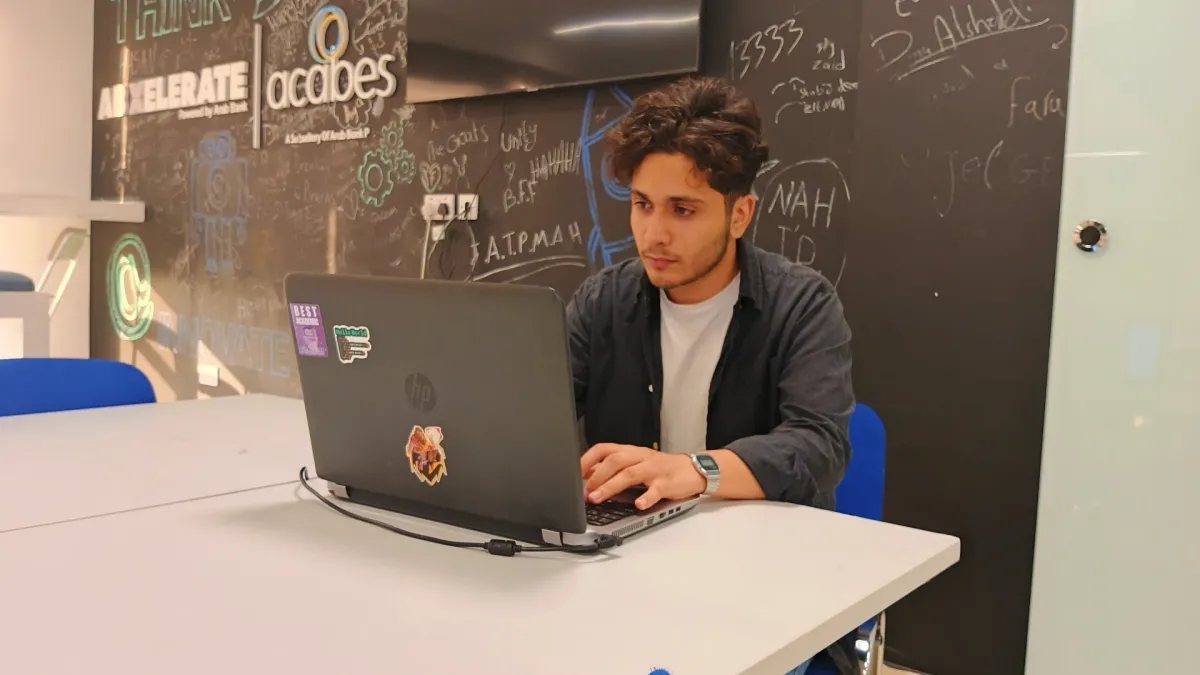
A working session in the SitaraX lab
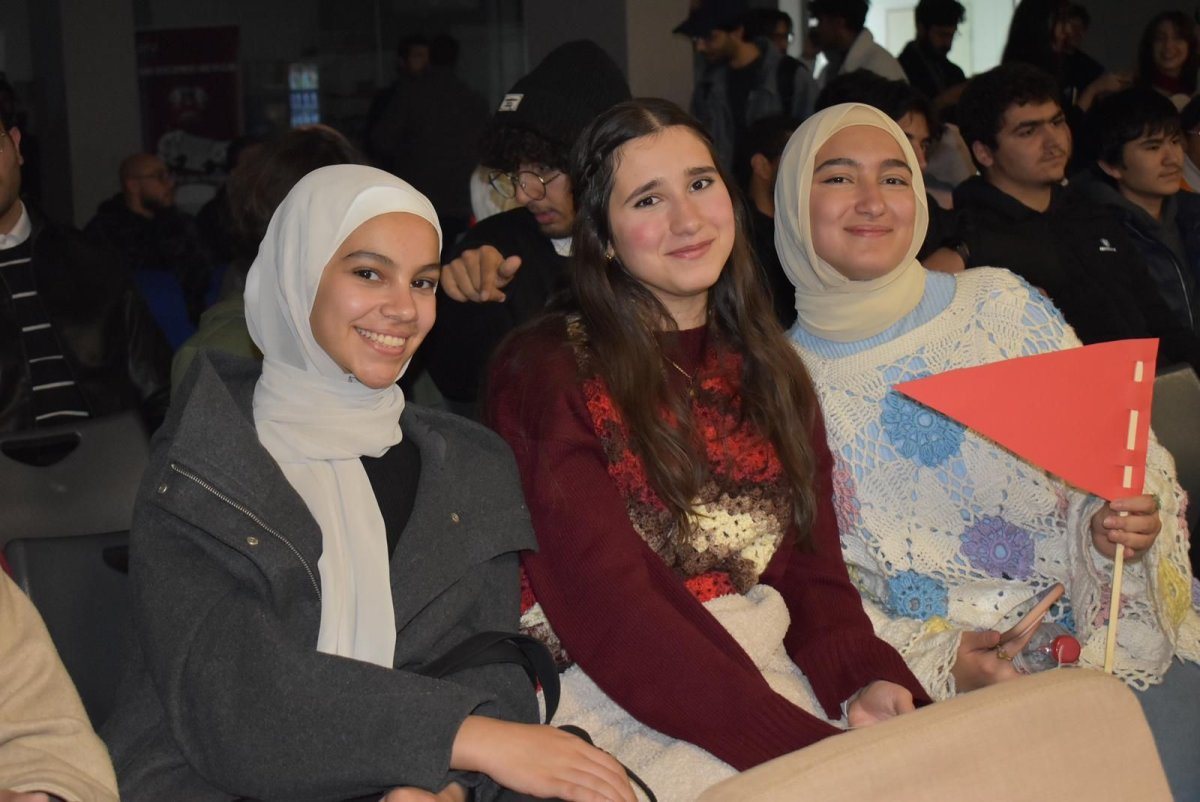
SitaraX students on cohort day
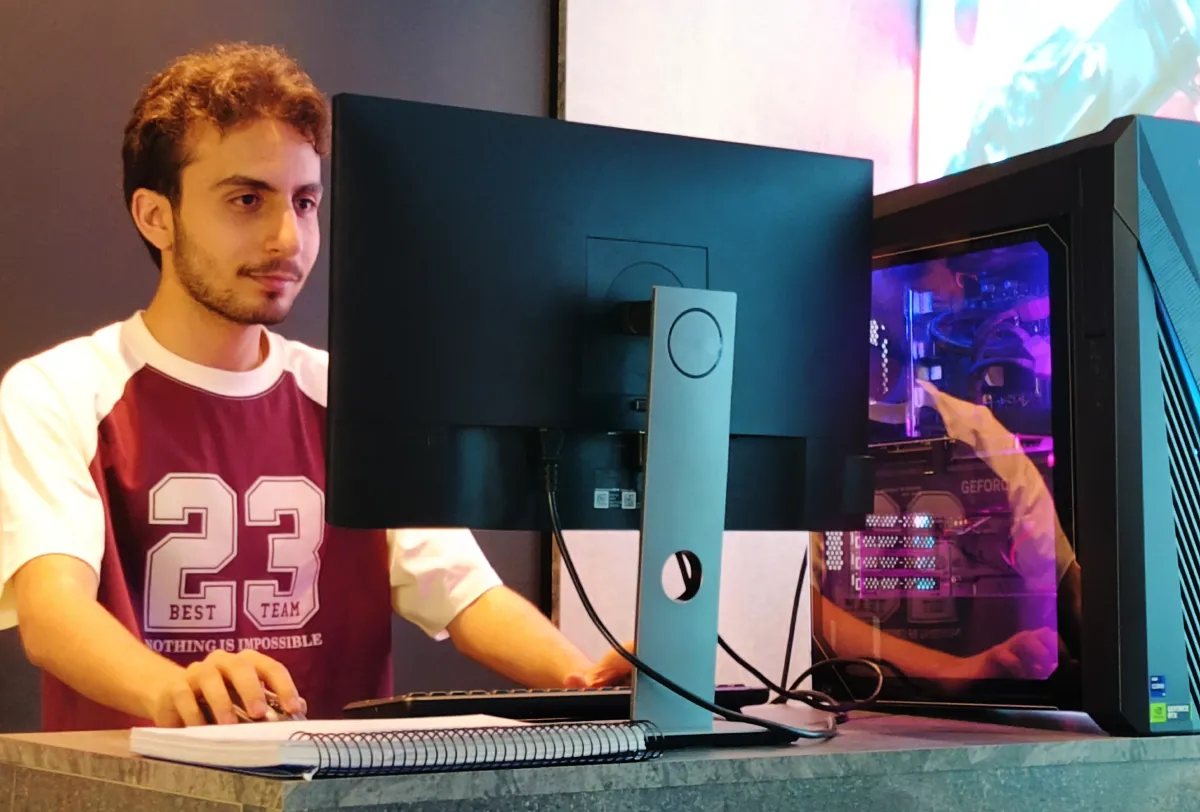
A student at one of the lab workstations
Pay by card
Card or wallet
A secure payment page opens that takes Visa, Mastercard, Apple Pay and Google Pay, and the course unlocks the moment it goes through.
Common questions
Do I need previous 3D experience?
No. The course runs beginner to expert: the first thing you learn is the interface itself and the tools of version 5.0, and it climbs from modelling principles to advanced technique from there.
Why is it described as three courses in one?
Because one course covers several fields of practice: 3D modelling for games, film and product design; environment art, which designs landscapes, buildings and game levels; character art, which designs and sculpts characters; and product design, which visualises and prototypes in 3D.
Are the lectures recorded or live?
Recorded. The lectures are recorded and interactive, so you learn at your own pace and can rewatch any part. When a particular topic will not land, ask the team in your course's support chat or in the questions under the lesson.
Do I keep the content after the course ends?
Yes — the whole of the course content stays yours for life, because flexible learning is genuinely our priority.
Is the certificate worth anything on a CV?
The certificate proves you completed a full training pathway with reviewed projects, which is what hiring teams ask about before they ask about courses. Attach it to your portfolio: the projects you finish here are what open the door, and the certificate attests that you finished them.
How do I enrol in the course from inside the platform?
Press “Enroll” at the foot of this page. Your registration reaches the team directly, they follow up on WhatsApp to complete it, and the course then opens inside this same account.
Pay by card
Pay by card and the pathway opens the moment the payment goes through.
$108.61